
The image could not be loaded.
01
Upload the Image You Want to Remove Text From
Upload a JPG, PNG, or WEBP image containing the text you want to remove, whether it's a photo, screenshot, product image, or graphic.
 WatermarkGemini
Remove unwanted text from images in seconds with WatermarkGemini. Use our AI text remover to erase captions, date stamps, labels, and text overlays from your pictures while keeping the surrounding image clean and natural. No complicated photo editing—just upload your image, process the unwanted text, preview the result, and download.
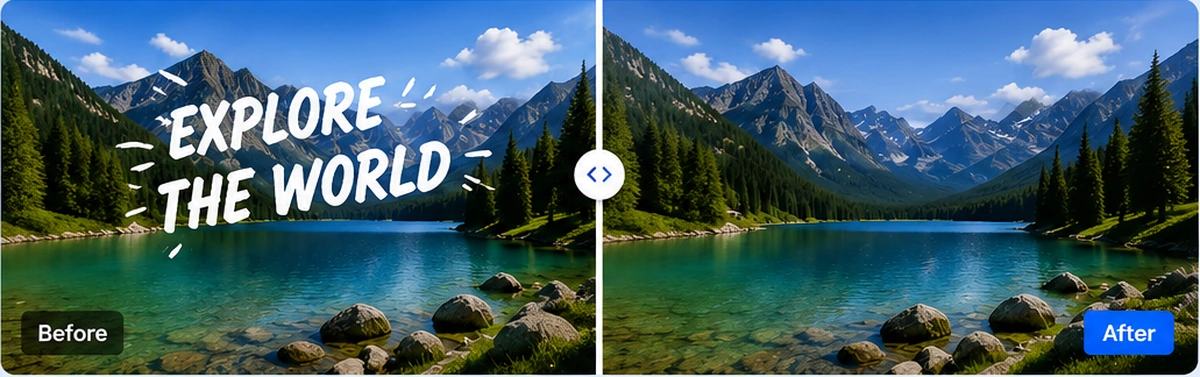
The image could not be loaded.
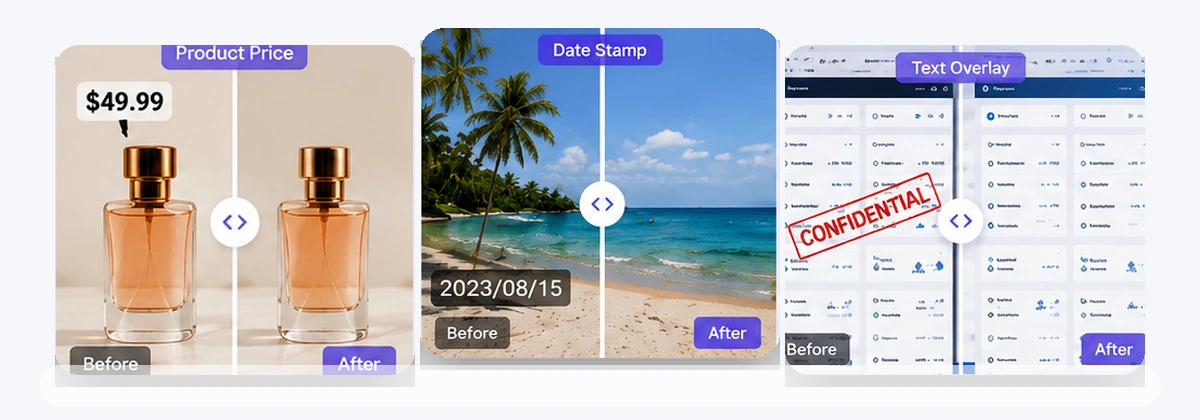
The image could not be loaded.
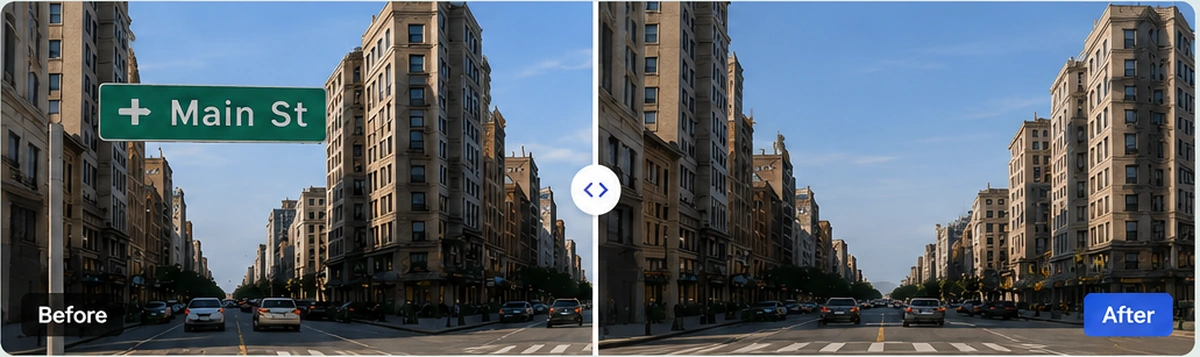
The image could not be loaded.
Drop an image or MP4 video here or click to browse
Your file stays on this device until you sign in and upload.
Open workspaceRemove text from your image in just three simple steps—no advanced photo editing skills required.
The image could not be loaded.
Upload a JPG, PNG, or WEBP image containing the text you want to remove, whether it's a photo, screenshot, product image, or graphic.

The image could not be loaded.
Start processing and let AI clean the unwanted text area while preserving as much of the surrounding image as possible.

The image could not be loaded.
Compare the original and processed image, check the cleaned area, and download the result when you're satisfied.
Removing text isn't just about making words disappear. A good text remover should also keep your image looking clean, natural, and ready to use.
The image could not be loaded.
Text often sits on important parts of an image—walls, clothing, product surfaces, skies, or detailed backgrounds. Simply covering or blurring it can leave obvious marks. WatermarkGemini uses AI-assisted cleanup to remove unwanted text from the image while helping the edited area blend naturally with its surroundings.
The image could not be loaded.
Need to reuse a picture but the old text is getting in the way? Remove captions from social images, date stamps from photos, labels from product pictures, or unwanted text overlays from graphics. Clean the text you no longer need without rebuilding the entire image from scratch.
The image could not be loaded.
Forget manually cloning pixels, painting over words, or spending time learning complicated photo-editing tools. With WatermarkGemini's online text remover, simply upload your image, let AI handle the cleanup, preview the result, and download your cleaned picture. No complicated editing workflow—just a faster way to remove text from images online.
Start with the cleanup workflow that best matches your image.

Remove an image background with a focused cleanup workflow.
Explore tool
Erase unwanted objects and visual clutter from approved images.
Explore tool
Clean captions, labels, and unwanted text overlays.
Explore tool
Review visible logos and brand marks on approved images.
Explore tool
Compare an approved image with a visible ChatGPT-style mark.
Explore tool
Clean a visible Gemini watermark without changing the image crop.
Explore tool
Clear date and timestamp overlays from images you can edit.
Explore tool
Review a visible signature cleanup before you download.
Explore toolPractical guides for cleaner, more polished images.
Find answers about supported formats, image privacy, and which text overlays you may remove.
Upload a supported image, continue with Google, start processing, review the result, and download it if it meets your needs.
Yes. WatermarkGemini lets you remove text from images online for free. You can upload JPG, PNG, or WEBP images up to 10 MB and process them directly in your browser.
Yes. AI can help identify and clean unwanted text areas while preserving the surrounding visual details. Results can vary depending on the size of the text and the complexity of the image background.
WatermarkGemini is designed to remove unwanted text while keeping the surrounding image as natural as possible. Complex textures or text covering detailed objects may produce different results, so always preview the processed image before downloading.
You can use WatermarkGemini to clean captions, date stamps, labels, annotations, text overlays, promotional copy, and other unwanted text from pictures you own or have permission to edit.
You can upload one JPG, PNG, or WEBP image up to 10 MB.
Yes. You can choose an image before signing in, but Google sign-in is required before processing starts.
Uploaded images, processed results, and related processing records are designed to expire after 24 hours. Temporary download links expire sooner.
Not currently. WatermarkGemini processes one image at a time.
Upload an image and try WatermarkGemini for free.